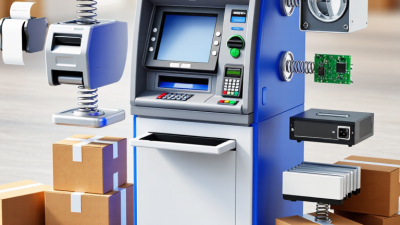
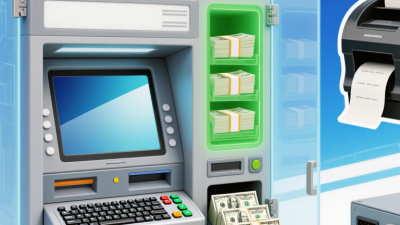
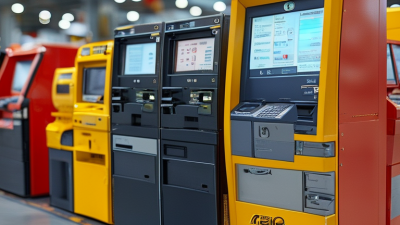
You know, ATMs aren't exactly standalone machines. How reliable and easy they are to use really depends on all the bits fitted around them—from the card reader to the privacy shield. Every little accessory has its own job. Some are there to protect customers, while others make it easier for technicians to service the machine. It's the small details that end up making a big difference.
Just to be clear, this quote is made up—it’s illustrative, not from an actual interview. But it gets the point across. Daniel Harper, a fictional ATM equipment specialist, sums it up nicely: “Pick each accessory because you actually need it for operations, then double-check that it fits your ATM model.” Pretty solid advice. Too often, people get so hung up on price that they forget to think about fit and compatibility.
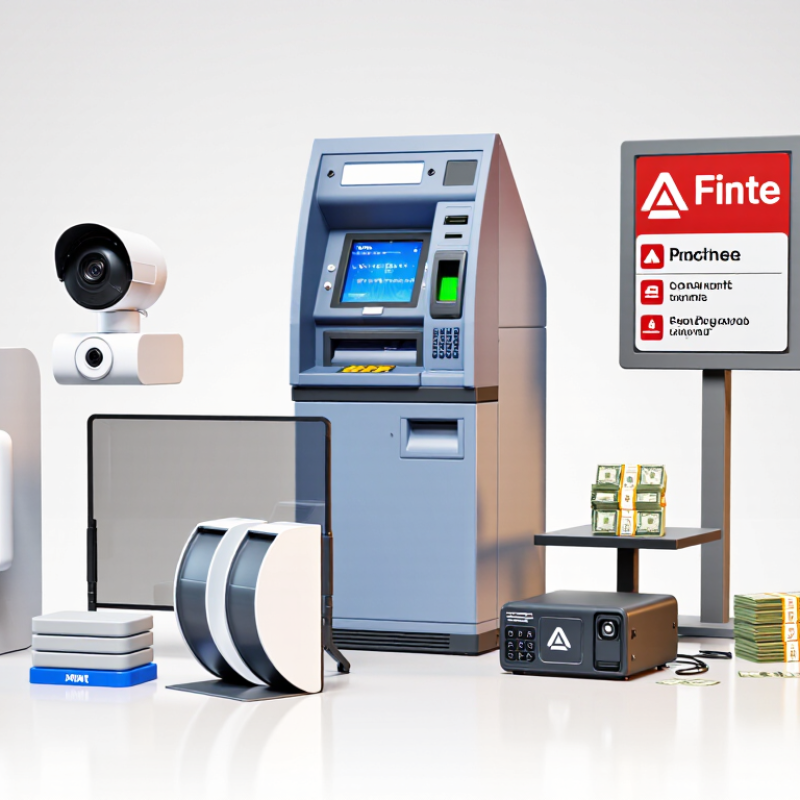
So, this guide digs into the usual ATM accessories—card readers, PIN pads, receipt printers, the cash-handling bits, security cameras, alarms, and backup power units. We also look at the practical side of things, like privacy screens, signage, and cleaning supplies. A worn keypad is easy to notice, sure, but a privacy shield that's sitting in the wrong spot? That one's way easier to miss. Honestly, both of these can really shape how users feel about what you've built.
Honestly, the categories blur together sometimes, which makes comparing options a bit trickier. And just because an ATM is packed with features doesn't automatically mean it's the right one—not every machine needs every bell and whistle. Operators really need to think about specs, service needs, user comfort, and where the unit will actually be installed. These are general pointers, not gospel, so you should still check the manufacturer's guidance. Even a super thorough checklist can miss something specific to your location. Bottom line: worth taking a second look before you pick your equipment.
ATM Accessories for Cash Handling and Dispensing
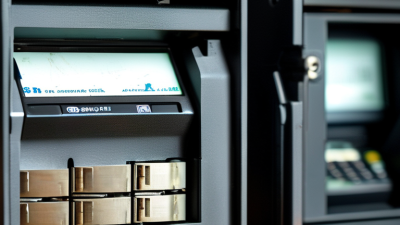
Cash-handling accessories help an ATM store, select, and deliver banknotes reliably. Cash cassettes keep notes separated by denomination, while adjustable guides help align different note sizes. A dispenser module uses rollers and pick mechanisms to move bills toward the customer opening. Small details matter: a curled note or dusty roller can interrupt a transaction.
A reject bin holds notes the machine cannot dispense, such as bills detected as damaged or incorrectly picked. Shutters and presenter assemblies protect the delivery slot and control when cash becomes accessible. For an Atm Atm Machine, cassette dimensions and dispenser settings must match the equipment; a near fit is not a safe fit. Keep dust away. Regular inspection can reveal worn rollers, loose guides, or a bin nearing capacity. Follow the equipment maker’s service instructions and use trained technicians for internal work. Even careful checks can miss an intermittent fault, so transaction records and maintenance notes are useful. The process is not perfect, but consistent handling makes cash delivery more dependable.
Customer Interface Accessories: Keypads, Screens, and Receipt Printers
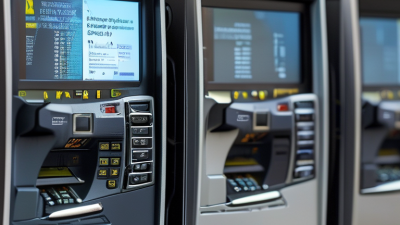
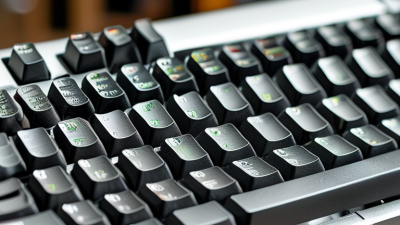
At a Bank Atm, the keypad, screen, and receipt printer guide each customer through a transaction. A keypad needs clear legends, responsive keys, and enough space for accurate entry. Raised markings can help people identify important keys by touch. The screen should remain readable under bright lights and from a comfortable standing position. Simple prompts reduce hesitation, especially when someone is unfamiliar with the interface. Small details matter.
Receipt printers should produce legible text without making customers wait. Paper needs to feed cleanly, and the opening should make receipts easy to retrieve. A printer that jams can interrupt a transaction and create avoidable frustration. Regular checks for worn keys, dim displays, and paper dust help keep these accessories dependable. Still, clean appearance alone is not proof of good performance; real users may notice problems that routine checks miss. That is worth remembering. Accessible design also benefits people using the machine in a hurry, with limited vision, or with one hand occupied. Clear instructions and reliable physical controls make the experience calmer and more predictable.
Card-Reading and Contactless Payment Accessories
Card-reading and contactless payment accessories help an ATM accept different payment methods while protecting the transaction area. Common components include chip-card readers, magnetic-stripe readers, and near-field communication (NFC) readers with an antenna. A fitted bezel guides the card into position, while a weather-resistant seal helps limit moisture and dust around the opening. Small status lights can show when a reader is ready or processing a payment.
Contactless readers need careful placement. The antenna should sit close enough to the marked tap area for users to find it easily, but away from components that may interfere with its signal. A clear symbol and a short instruction reduce hesitation, especially in bright sunlight or a busy lobby. Keep the area accessible. During routine servicing, check for loose fittings, worn seals, scratched surfaces, and unclear labels. Follow the ATM manufacturer’s compatibility guidance and applicable payment-security requirements when selecting replacement parts. Not every accessory fits every terminal. That detail is easy to overlook, and a poorly matched reader can create repeated failed taps or unnecessary service calls. A practical layout may still need adjustment after observing how customers actually approach the machine.
Security Accessories: Cameras, Alarms, and PIN Shields
Security accessories help protect an ATM and give operators clearer information when something seems wrong. A camera should cover the approach and surrounding area, with a steady view that is not blocked by signs, glare, or a low ceiling. It should not point directly at the keypad or capture a customer entering a PIN. Placement matters. A well-positioned camera may help staff review an incident, but it cannot prevent every theft or equipment problem.
Alarms can signal events such as a cabinet door opening unexpectedly or a detected impact. Clear alerts are useful; frequent false alarms can lead to staff overlooking them. Test sensors during routine maintenance, and check that notification procedures still work. A PIN shield adds a physical barrier around the keypad, reducing visibility from nearby angles. It should fit securely without blocking the screen, buttons, or a customer’s hand. Small details matter. Even a slight gap can weaken the shield’s usefulness.
When choosing Atm Gear, assess the full installation rather than treating each accessory as a standalone fix. Check camera focus in both bright daylight and dim conditions, and inspect shields for loosened screws or damage. Keep maintenance records, and review camera views periodically for new obstructions. There is no perfect setup; the best arrangement may still leave blind spots that need attention.
What Are the Types of ATM Accessories? — Security Accessories: Cameras, Alarms, and PIN Shields
| Accessory |
Primary Function |
Typical Placement |
Security Benefit |
Key Considerations |
| Surveillance camera |
Records activity around the ATM for monitoring and later review. |
In the ATM enclosure or in the surrounding area, positioned to monitor the machine and its surroundings. |
Can help deter theft and provide footage that may assist an investigation. |
Position cameras so they do not capture customers entering PINs. Follow applicable privacy, signage, access, and video-retention requirements. |
| Alarm and tamper sensors |
Detect specified events, such as unauthorized access to a cabinet or movement of the machine, and send an alert to a monitoring system. |
On or inside the ATM enclosure, with sensor placement determined by the equipment and security plan. |
Can notify security personnel or a monitoring center when a configured event occurs. |
Detection capabilities vary by system. Sensors need suitable configuration, testing, and maintenance; an alarm does not itself prevent an incident. |
| PIN shield |
Creates a physical barrier around the keypad while a customer enters a PIN. |
Fitted around the ATM keypad. |
Helps reduce the risk of someone nearby viewing keypad entry, including by shoulder surfing. |
It should not obstruct keypad use or the customer’s view. A PIN shield does not prevent card skimming or protect against every method of PIN capture. |
Note: These accessories address different risks. Their effectiveness depends on appropriate installation, configuration, maintenance, and operating procedures.
Accessibility and User-Assistance Accessories
ATM accessibility accessories help customers use a machine with less reliance on sight, hearing, or precise hand movement. A tactile keypad with raised number markers supports users who cannot easily read the screen. Audio guidance through a headphone jack can describe each step privately. Small details matter.
A high-contrast screen, large text, and adjustable audio volume make instructions easier to follow in bright sunlight or a noisy lobby. A well-placed headphone jack should be easy to locate by touch. Still, it is often tucked near the screen, where a first-time user may miss it. Clear tactile labels and simple spoken prompts can reduce uncertainty without rushing the customer.
Physical access matters too. Controls, card slots, and receipt openings should be reachable from a seated position, with enough clear space for a mobility aid. A magnifying lens or screen-tilt feature may help some users, though neither suits everyone. That is worth checking. Staff assistance should be available without requiring customers to disclose more than needed. ATM layouts vary, so accessibility features work best when placement stays consistent and instructions match the machine. It may still take practice.
ATM Accessibility Accessories and Reach Requirements
How to read this chart: The bars show key dimensions in the 2010 ADA Standards for Accessible Design: unobstructed forward reach to operable parts is 15–48 inches above the floor, and clear floor space is at least 30 inches wide by 48 inches deep. These requirements support use of accessibility features such as tactile keypads and speech-output accessories.
Conclusion
Atm Accessories include a wide range of components that help an ATM handle cash, communicate with customers, and operate reliably. Cash-handling and dispensing parts support the secure movement of bills, while keypads, display screens, and receipt printers make transactions easier to follow. Card readers and contactless interfaces give customers convenient ways to access services.
Other accessories focus on safety, accessibility, and ongoing operation. Cameras, alarms, and PIN shields can help protect users and equipment, while audio guidance, clear controls, and accessible layouts assist people with different needs. Power supplies, connectivity components, and maintenance tools also help keep the machine available and functioning smoothly. Together, these accessories support a more dependable, user-friendly ATM experience.